
Protecting apps with biometric authentication step by step
Advertisements
Protect apps with biometric authentication. It has ceased to be an optional feature and has become the cornerstone of any minimally serious application by 2026.
With the increasing sophistication of digital threats, entrusting the fate of sensitive data solely to alphanumeric passwords is a risk bordering on technical negligence.
What is biometric authentication and why is it essential?
Biometric authentication uses physical traits or behavioral patterns to validate who you claim to be.
By 2026, the accuracy of these sensors will have reached microscopic scales, drastically reducing error rates in off-the-shelf devices.
Advertisements
Using this technology to Protect apps with biometric authentication. It solves the weakest link in cybersecurity: fallible human memory.
Passwords are forgotten, shared under pressure, or intercepted by phishing; Biological traits, however, are intrinsic to the individual.
There is something unsettling about how easily cybercriminals exploit social engineering to bypass static credentials.
Biometrics emerges as a physical barrier translated into code, requiring the legitimate holder to be present to authorize any financial transaction or private access.
How does biometric integration work in modern apps?
The technical implementation is done through native APIs, such as BiometricPrompt on Android or LocalAuthentication on iOS.
These interfaces function like a safe: the application never sees your face or fingerprint; it only receives a "yes" or "no" response from the system.
The operating system acts as an isolated mediator, processing data within a secure hardware enclave.
This isolation is vital to prevent malware from "fishing" for physical information during the millisecond it takes the sensor to read.
For developers who need robust guidelines, the OWASP (Open Web Application Security Project) It offers essential documentation on how to mitigate vulnerabilities in mobile authentication systems and endpoint protection.
What are the steps to implement biometrics, step by step?
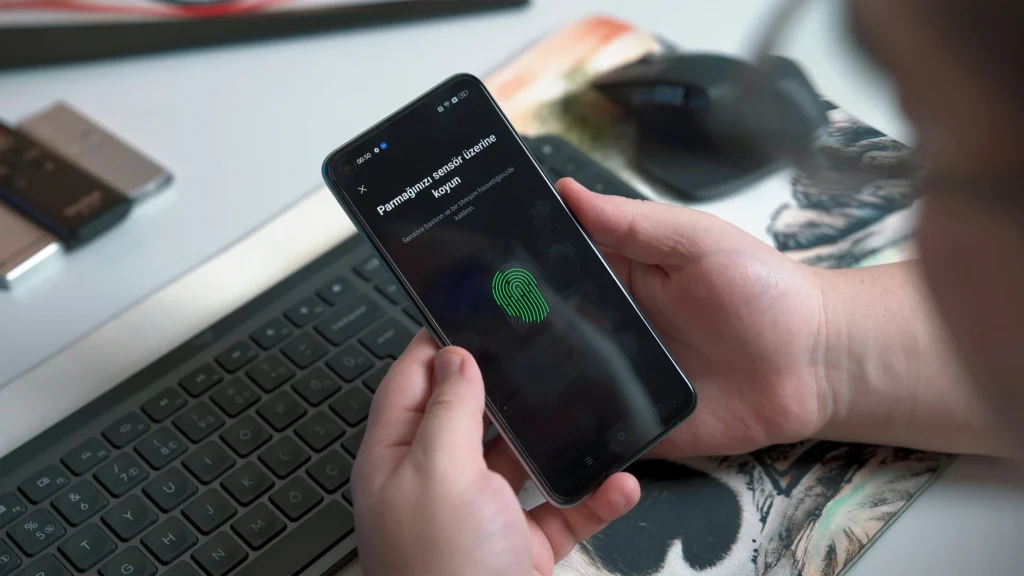
Before writing any code, you need to validate that the hardware is available on the device.
Not every device has 3D facial sensors or under-screen readers; therefore, the application must be intelligent enough not to promise what it cannot deliver.
Once compatibility is confirmed, the next step is to request permissions in the app's manifest. It's essential to explain to the user, without legal jargon, why access to the feature is necessary.
Transparency is what separates a trustworthy app from a suspicious one.
Configure the Protect apps with biometric authentication. It also requires a very well-designed fallback policy.
If the reading fails after three attempts, the system should revert to the PIN code or master password, preventing the legitimate user from being locked out.
| Biometric Type | Security Level | Speed of Access | Use Case |
| Fingerprint | High | Very High | Fast payments |
| Facial Recognition | Most High | High | Digital banks and wallets |
| Iris Recognition | Extreme | Average | Corporate systems |
| Voice Biometrics | Average | Average | Support and Customer Service |
| Behavioral | High | Continuous | Invisible fraud detection |
Why is behavioral biometrics the new frontier of protection?
Unlike static biometrics, behavioral biometrics observes how you type, the pressure you apply to the screen, and even the tilt of your phone.
Read more: Careful consideration when choosing passwords and using two-factor authentication in important apps.
This invisible layer detects anomalies if the device is stolen while it was already unlocked.
If the interaction rate changes suddenly, the system may freeze critical functions and require a new facial liveness test.
This is often misinterpreted as a "software quirk," but it's the most effective defense against theft of devices in transit.
To the Protect apps with biometric authentication. With behavioral security, you create a layer of security that doesn't interrupt the flow of use.
The user gains real-time protection without having to deal with pop-ups or constant confirmations with every click.
When should multifactor authentication (MFA) accompany biometrics?
Despite being a powerful technology, biometrics should not bear the entire burden in extremely high-risk operations.
Transfers of large amounts or changes to recovery keys necessarily require a second verification factor.
This hybrid strategy combines "who you are" with "what you own," such as a physical token.
Learn more: Two-factor authentication: what it is, what it's for, and benefits
In 2026, intelligent risk orchestration will assess the transaction context to decide whether biometrics alone is sufficient or if further security measures are needed.
Adherence to strict technical standards ensures the app's long-term survival.
THE NIST (National Institute of Standards and Technology) It establishes the global identity standards that serve as a guide for the world's largest big tech companies today.
How to ensure privacy and compliance with the LGPD (Brazilian General Data Protection Law)?
Handling sensitive data in Brazil requires blind obedience to the General Data Protection Law.
This means that the developer must guarantee the right to be forgotten and be transparent about how biometric metadata is processed.
Learn more: Tips for protecting your privacy on social media
The golden rule is to never upload raw biometric data to the cloud; work only with irreversible mathematical representations.
Local processing is always the best choice, as it reduces the attack surface should your central servers be compromised.
By educating the public about these processes, your brand gains authority and trust. Digital security in 2026 rests on a balance between cutting-edge technology, human-centered design, and legal transparency that leaves no room for doubt.
The future of digital identity in the palm of your hand.
Implement measures to Protect apps with biometric authentication. It is about making a commitment to the integrity of those who use your services.
Technology has matured to make complex security something natural and almost imperceptible. By adopting native APIs and respecting privacy best practices, you protect the system and deliver real convenience.
Biometrics is the culmination of the evolution of virtual identity: secure, personal, and impossible to forget at home.
FAQ: Frequently Asked Questions about Biometrics in Apps
Is it possible to fool facial recognition with a photo?
By 2026, depth sensors and infrared light will make this virtually impossible. The system requires 3D mapping of a live, moving face to authorize access.
What should I do if the biometric sensor on my device breaks?
Every application should have a fallback method, such as a numeric PIN. If the hardware fails, the user can use the traditional password to avoid losing access to their data.
Does biometric authentication consume a lot of cell phone battery?
The impact is negligible. The processing is done by dedicated chips that operate in milliseconds, making it much more efficient than keeping the screen on while the user types a long password.
Is my fingerprint saved on the server of the company that owns the app?
No. The raw data resides only on the smartphone's security chip. The application only receives a digital key confirming that the device owner has been successfully authenticated.
Can I use biometrics on websites accessed via mobile phone (PWA)?
Yes, the WebAuthn API allows modern browsers to access the biometric hardware of mobile phones. This enables passwordless logins even in applications that run directly in the browser.
