
WhatsApp for guests: how to join calls without an account
Advertisements
The feature of WhatsApp for guests It transforms the dynamics of virtual meetings, allowing users to join audio and video calls without having an active account on the platform.
This update simplifies communication between businesses, service providers, and customers who prefer not to install additional apps or register phone numbers for occasional support requests.
Through direct call links generated by the organizers, anyone with an internet connection can access the conference room via a browser without the hassle of prior registration.
Understanding how this functionality operates in everyday life facilitates the inclusion of external participants, eliminates digital accessibility barriers, and optimizes work meetings in modern corporate environments.
How does guest access work in browser-based calls?
The meeting host generates an invitation link through the call tab and shares the address via email, text message, or corporate communication platforms.
By clicking the link, the guest without an account is redirected to a secure web page, where they only need to enter a display name before entering the room.
Advertisements
| Process Stage | Host Action with Account | Guest Action without Account | System Technical Requirement |
| Invitation Generation | Create a call link in the app. | Receive the link via email or SMS. | App updated on the creator's phone. |
| Access to the Room | Start the meeting and wait to join. | Click the link and open your browser. | Updated web browser (Chrome, Edge, Safari) |
| Identification | View visitor's name in the queue. | Enter temporary display name | Microphone and camera permission granted. |
| Admission | Approve participant entry. | Awaiting authorization from the organizer. | End-to-end encryption active in the session. |
Detailed information about the security and privacy infrastructure for web calls is available at WhatsApp Help Center, the developer's official website.
Use the WhatsApp for guests It significantly reduces the time spent on technical support, as it eliminates the need to create passwords or validate via SMS code before the conference.
The external participant navigates through a simplified interface, containing only essential buttons to activate or deactivate the microphone, switch cameras, and end participation in the call.
The virtual room remains under the complete control of the host, who has the authority to admit, mute, or remove any guest who is connected via temporary access.
What are the main advantages of this tool for work meetings?
The ability to include participants without an active account eliminates the need to migrate simple conversations to other paid video conferencing platforms in the workplace.
Customers and suppliers gain agility to participate in quick alignments without filling out lengthy forms or downloading heavy software that takes up computer storage space.
Direct compatibility with computer and smartphone browsers ensures that guests can join calls from any device connected to the internet.
This operational flexibility reduces technology infrastructure costs for small businesses, while keeping communication flows centralized in a widely used solution.
Why is call security maintained even without user registration?
The platform uses strict encryption protocols to protect the audio and video stream sent between the browser and the application.
The temporary guest does not gain access to the host's phone number, nor can they view the message history or profile pictures of other participants.
A mandatory waiting room prevents leaked links from allowing unauthorized individuals to gain direct access without prior manual validation by the meeting organizer.
As soon as the call is ended by the mediator, the visitor's temporary access token is invalidated, preventing future reconnections without generating a new invitation.
When is it worthwhile to use guest links instead of traditional apps?
Job interviews with external candidates become much more efficient when the human resources department sends only a direct link to the interviewee's browser.
Quick medical consultations, quotes provided by freelancers, and one-off meetings with international suppliers represent ideal scenarios for using this feature without prior registration.
The absence of download barriers facilitates service for elderly people or those with limited technical skills, ensuring digital inclusion with simple and straightforward usability.
Cutting through installation steps strengthens the business relationship, conveying professionalism and respect for the customer's time from the very first contact made online.
Read more: WhatsApp now edits PDFs: new feature makes sending documents easier.
Technical recommendations and global security standards for safe communications and browsing are maintained by Cybersecurity and Infrastructure Security Agency, international governmental authority.
The feature of WhatsApp for guests It consolidates the integration between browsers and messaging apps, establishing a practical and highly accessible standard for video conferencing in the current landscape.

Adopting the use of temporary links revolutionizes corporate routines, offering a lightweight, secure, and efficient alternative for connecting people anywhere on the planet.
What technical requirements are needed to access the call without an account?
The guest only needs a device with a camera, microphone, and a recent version of popular browsers such as Google Chrome, Mozilla Firefox, or Safari.
A stable internet connection, whether via Wi-Fi or mobile data networks, ensures adequate audio and video quality throughout the transmission.
Learn more: WhatsApp hacked: which accounts should have their passwords changed?
Granting temporary permissions in the browser to use the camera and microphone is essential for the system to capture the user's signal without freezing.
If the browser is outdated or blocks page scripts, the system will display a warning requesting a software update before allowing access.
Conclusion
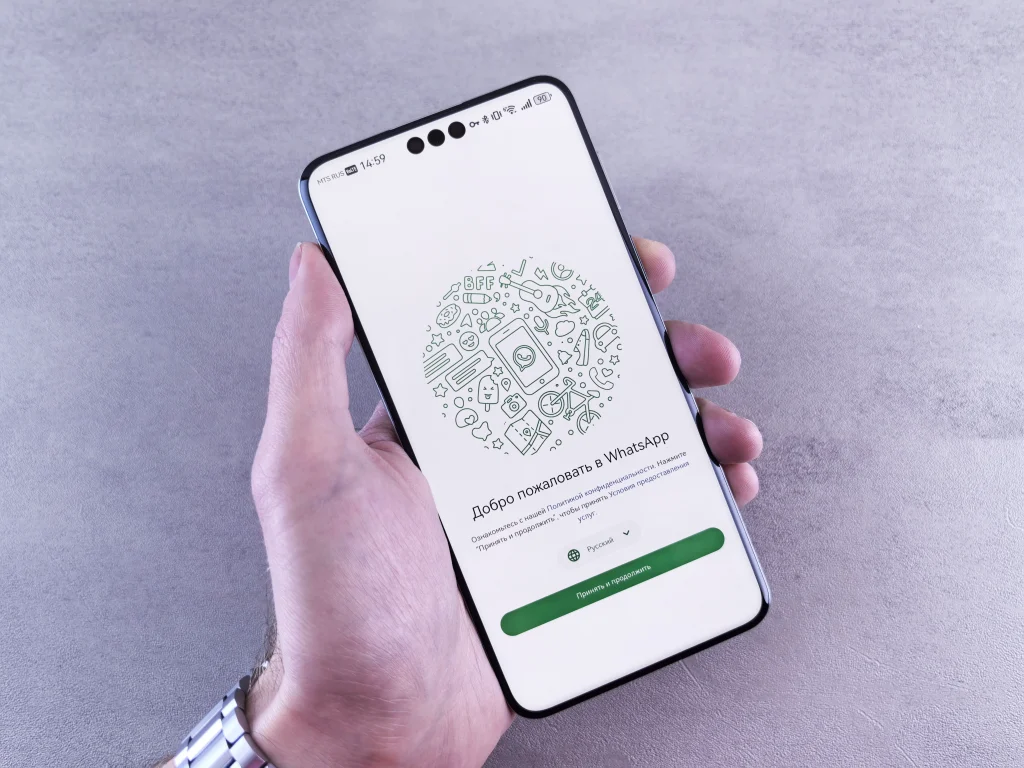
Allowing access to external guests without an account represents a significant leap in the usability and accessibility of corporate and personal video conferencing on the internet.
The simplicity of the direct link combined with the security of the waiting room makes this tool indispensable for anyone seeking productivity in daily communications.
Read more: WhatsApp groups in common: how to identify strangers
Exploring these advanced features transforms the customer service experience, connecting people with speed, privacy, and efficiency in any modern digital environment.
Frequently Asked Questions (FAQ)
Do I need to pay a fee to join a call as a guest?
No, access via a temporary link through the browser is completely free for the guest, requiring only an active internet connection on the device.
Can the guest see the contacts saved on the host's cell phone?
No, participants without an account only have access to the video call interface, without any access to the calendar, private chats, or organizer data.
Can I join the call on my mobile phone without installing the app?
Yes, when you click the invitation link on your mobile phone, the mobile browser opens the meeting room directly, allowing you to participate without installing any files.
